All your Safe Software news, all in one place.
Stay up to date with everything happening in our world with the latest press releases, event news, product launches and more.


Discover Where We're Headed This Autumn: Exciting Events & Adventures Await
Read More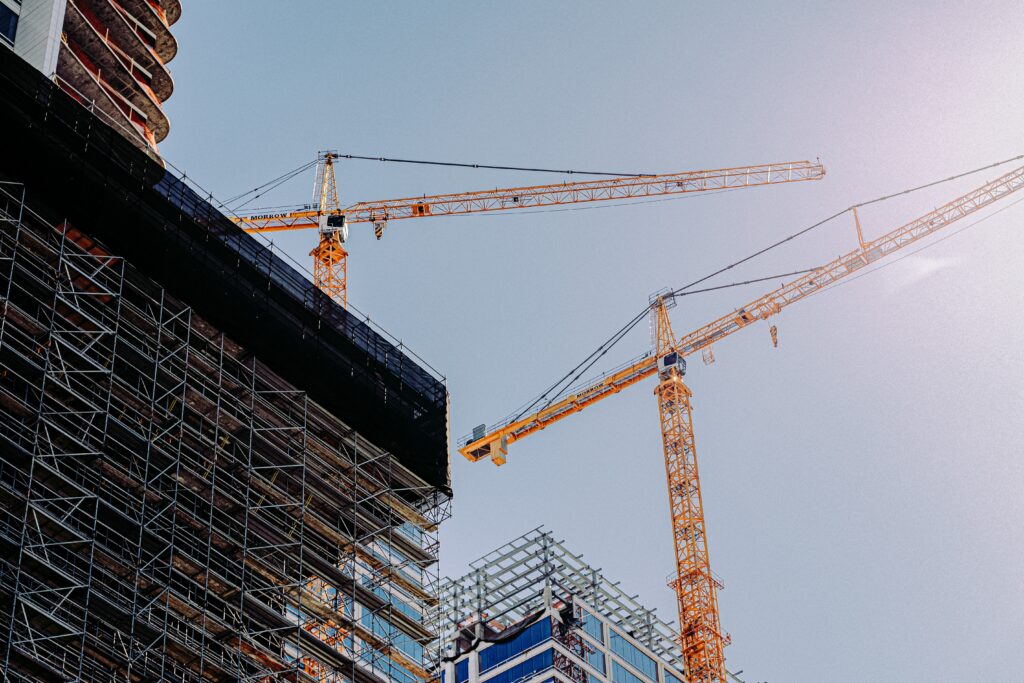
Safe Software Provides Seamless Collaboration with Autodesk Construction Cloud Integration
Read More
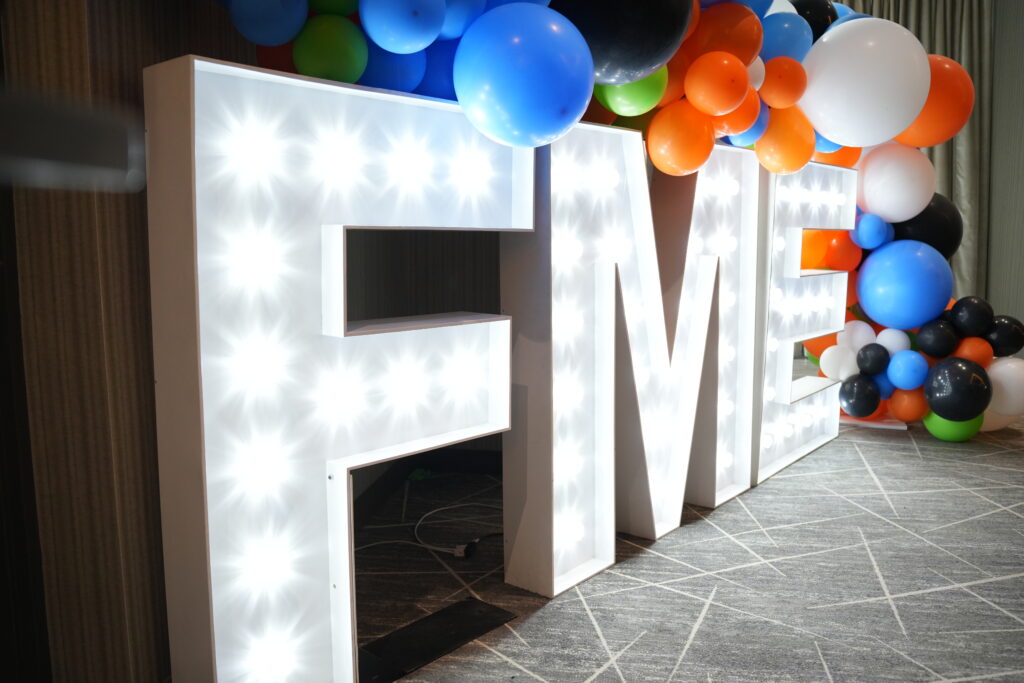
FME:23 Bringing Life to Data

Safe Software and Trimble Announce Collaboration to Advance Connected Construction Workflows
Media Kit
Summary
We provide data integration solutions through FME – the only enterprise integration platform with comprehensive support for spatial data… but, in human language, we’re people who help other people better understand and use their data to find new solutions.
Mission Statement
To unlock the true value of the world’s data.
Quick Facts
- We provide a range of data solutions for over 25,000 customers and over 200,000 users across 121 countries.
- Founded: 1993
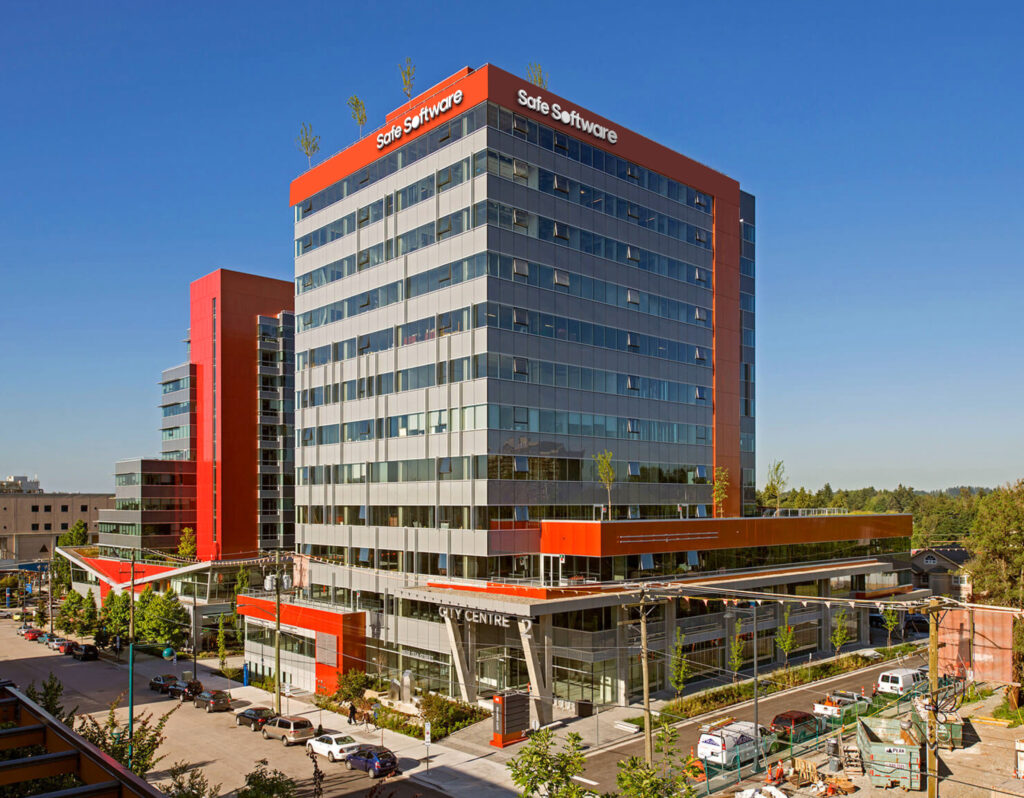
- Headquarters: Surrey, British Columbia, Canada
Brand Guidelines
Please refer to our guidelines when referring to our brand and using our assets. The rules apply to all media.
Our Logo
The Safe Software logo is the symbol of our brand globally, representing our product and our presence to partners, customers and the general public. Please refer to our guidelines when using our logo. Please do not modify our logo in any way.
Need more help with your media inquiry or something else?
Contact Our TeamContact Our Team